Your morning coffee setup can feel like a collection of separate decisions: which beans, how much to grind, how to pour and where to put everything afterwards. xBloom Studio brings the grinder, brewer and scale into one system. Its appeal is a more connected routine, particularly if you want automatic brewing sometimes and room to experiment at other times.
Our assessment: Studio deserves a place on the shortlist for single-cup coffee drinkers who will use that combination. It is a less obvious upgrade when your existing tools already fit your habits. This review draws on xBloom’s published product and policy information; we have not brewed with the machine or measured its taste, speed or reliability.
xBloom Studio: four ways to approach your coffee
The official Studio overview currently describes Autopilot, Copilot, Teapilot and Freesolo. Autopilot is the xPod route; Copilot is intended for your own beans. Teapilot addresses tea, while Freesolo gives you fuller control over brewing. These are different ways into the same system, rather than four reasons everyone needs to buy it.
Picture two mornings. On a busy weekday, you might prefer a familiar recipe with fewer decisions. On a quieter weekend, you might want to change beans and pay closer attention to preparation. Studio’s proposition is most convincing if both situations describe you. If you only want a familiar cup and never intend to explore the other modes, compare the cost with a simpler setup before paying for flexibility.
Conversely, owning separate tools is not necessarily inconvenient. You may like choosing each component and replacing it independently. Integration is valuable when it removes friction you actually experience. It should not become a reason to replace a grinder and brewer you already enjoy.
Choose the product around the cup you normally make
xBloom positions Studio for a single serving of roughly 8–11 ounces. That is a useful starting point for someone making an individual coffee, but an important distinction for a household accustomed to preparing a large shared pot. Think through the number of people drinking at the same time, rather than judging capacity from a countertop photograph.
If two people want different beans, individual preparation may be attractive. If everyone wants coffee together before leaving home, consider how repeated preparation would fit the morning. We have not timed multiple servings, so there is no basis here for promising that an integrated machine will shorten that queue.
The Original is also worth distinguishing from Studio. xBloom’s comparison emphasizes Studio’s built-in scale, larger water reservoir and more flexible pouring mechanism, while the Original has a metal design and a stronger pod focus. A feature shown on one model should not be assumed to exist on the other. Read the exact listing in your region before comparing delivered prices.
Omni Dripper 2: a small accessory with practical consequences
The Omni Dripper 2 for xBloom Studio was listed at $39 when checked. xBloom describes a 160 ml dripper that can work with Studio or independently, with a recommended coffee dose of 5–18 grams. It is hand-wash only and supports the specified xBloom Premium or 155 paper filters.
Those details matter more than adding an accessory simply because it appears beside the machine. Consider your usual dose, the filters you can keep in stock and where the dripper will dry after cleaning. An attractive counter arrangement still needs a practical place for wet parts and discarded filters.
Check your favorite mug, too. The accessory page gives a maximum height of 105 mm in one section and describes cups within 10 cm in its FAQ. Use 10 cm as a conservative planning reference and ask support about the exact arrangement if your cup is close to the limit. A tall travel mug should not be assumed to fit.
For someone who likes their own beans, this accessory is a more relevant comparison point than a decorative add-on. For someone choosing the xPod route, first establish what comes with the selected package so you do not purchase duplicate equipment.
The running cost is part of the review
Compare complete routines, not just the machine price. On one side, write the delivered Studio cost, your selected coffee, filters and any accessories you genuinely need. On the other, write the cost of continuing with your current equipment or buying separate components. Include purchases you would make either way only once.
A subscription deserves its own decision. Ask whether the delivery quantity matches your drinking habits, whether you want repeated deliveries and what happens when you travel. A first-order incentive does not establish that the continuing arrangement is economical for your household.
For illustration, a person who enjoys trying different coffees may value a curated delivery. Someone who repeatedly buys a favorite local roast may care more about the own-beans workflow. Neither preference needs to be justified by an exaggerated savings claim. The better purchase is the one you can describe using on an ordinary Tuesday.
xBloom Flex is rental, not automatic ownership
xBloom Flex offers a new or like-new Studio with a coffee starter and Omni Dripper 2. The published terms describe a rental, rather than financing or an automatic rent-to-own arrangement. Eligibility is limited to adults in the contiguous United States, and cancellation comes with a return obligation.
The stated return period after cancellation is seven days, with a prepaid label; continued possession or damage can create additional charges. Read the current agreement and monthly price before choosing this route. We are not quoting a monthly figure because the page did not provide a reliably readable amount during this check.
Rental can change the size of the initial commitment, but it does not remove responsibility for the equipment. Compare the full planned duration with outright purchase, and decide how comfortable you are packing and returning a machine if your plans change.
Returns and warranty: read the regional terms
The US and Canada refund policy states a 30-day window based on delivery, but also requires returned items to be complete, in original packaging and unused or unworn. That wording should not be treated as permission for an unrestricted month of brewing. Ask support what inspection or use is allowed before relying on the guarantee.
Change-of-mind return shipping generally falls to the customer, and the policy reserves a restocking charge of up to $60 for dirty, wet or incomplete returns. Coffee, consumables, refurbished machines and clearance items have exclusions. Keep packaging while you make the initial checks and distinguish a defect claim from simply changing your mind.
The warranty page lists two years of limited machine coverage for the US and Canada, with one year for removable parts and accessories. It also sets conditions around proof of purchase, authorized sellers, appropriate use and maintenance. Regional terms differ. A warranty is useful support information, not evidence that a particular machine will never need attention.
Which xBloom offer belongs with this purchase?
The selected offer below concerns eligible bundles, with savings advertised up to 15%. Treat “up to” as a maximum for qualifying selections, not a promise of 15% off every item or the Studio machine. Check the eligible bundle, delivered total and checkout terms before paying.

xBloom
Bundle & Save Up to 15%
Save up to 15% on curated xBloom coffee bundles.
Do not enlarge an order just to reach a promotion threshold unless the extra coffee or accessories were already useful to you. We have not verified that this offer stacks with subscription incentives. Compare the final eligible basket with the same items purchased separately.
Our verdict: buy the routine you want to repeat
Studio’s strongest argument is the combination of an integrated setup and different levels of control. The tradeoff is committing to a system whose accessories, cleaning and support requirements deserve as much attention as its brewing modes. It is worth investigating when those choices match your habits; it is not an automatic upgrade for every coffee drinker.
Shop xBloom offers on Remaxcode, choose your exact Studio package and confirm what is included before you buy. Start with the cup you actually want to make, then buy the equipment that supports it.
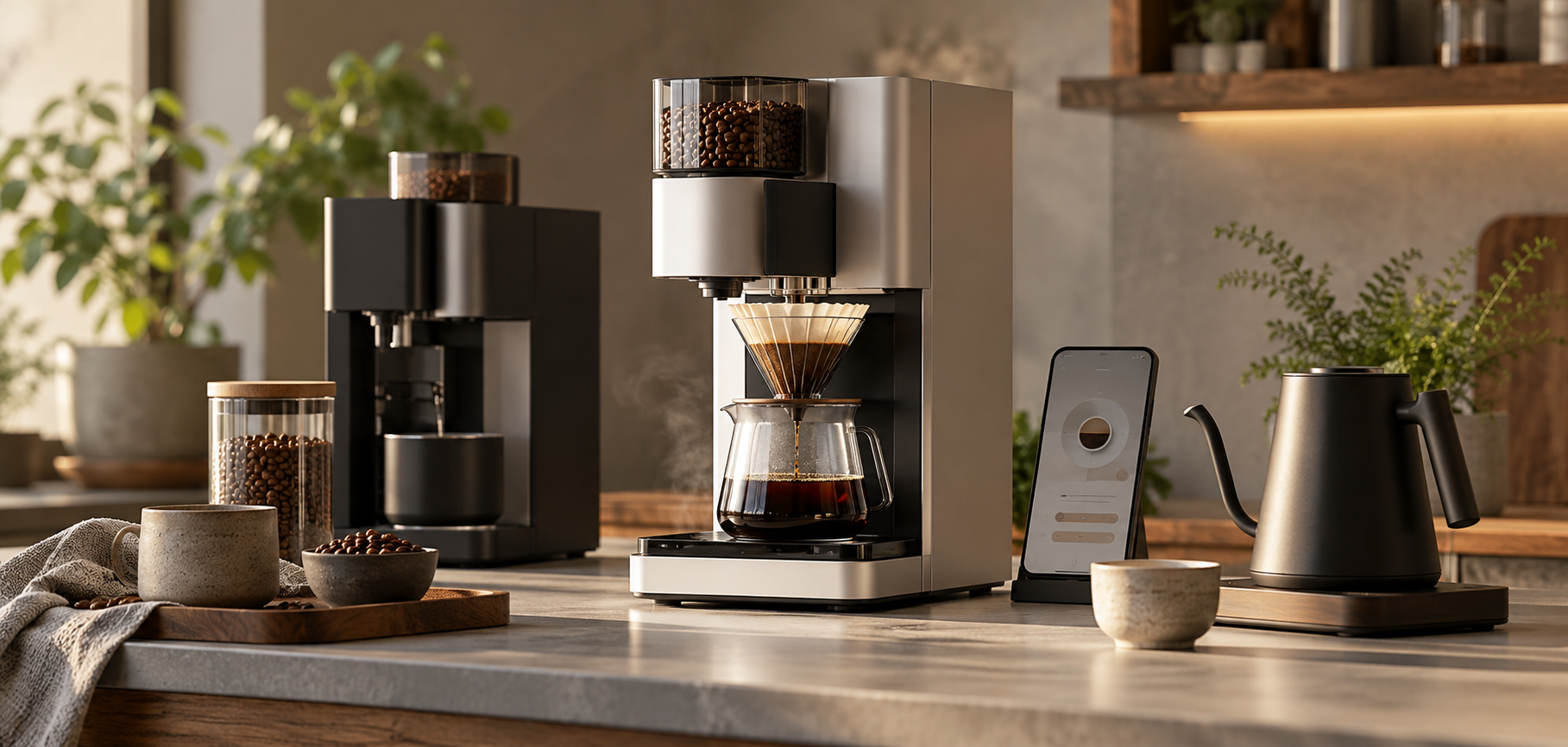
Sources: xBloom Studio overview, Omni Dripper 2 product listing, Kits & Bundles collection, xBloom Flex, refund policy and warranty policy, checked October 16, 2026. Prices, availability and promotions can change. This is an editorial review of published information, not a hands-on brewing test. Remaxcode may earn a commission through links on this page. The cover is an AI-generated editorial illustration, not a photograph of a tested xBloom product.
More offers to compare
Choose an eligible offer for your planned purchase. Check the terms and final price before checkout.
xBloom
15% Off Your First Coffee Subscription
Save 15% on your first subscription, then 5% on every order.
xBloom
Shop the xBloom Sale
Browse discounted items in the xBloom sale section. Prices and stock change often, so check back regularly.
xBloom
Free Shipping on Orders Over $75
Free shipping on xBloom orders over $75.