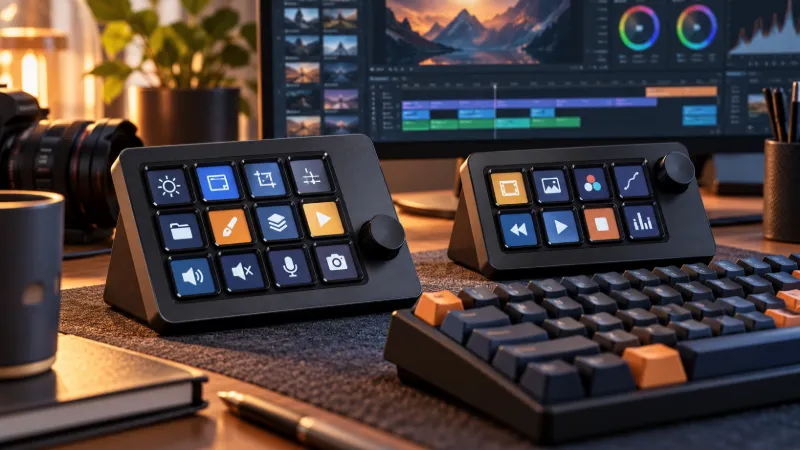
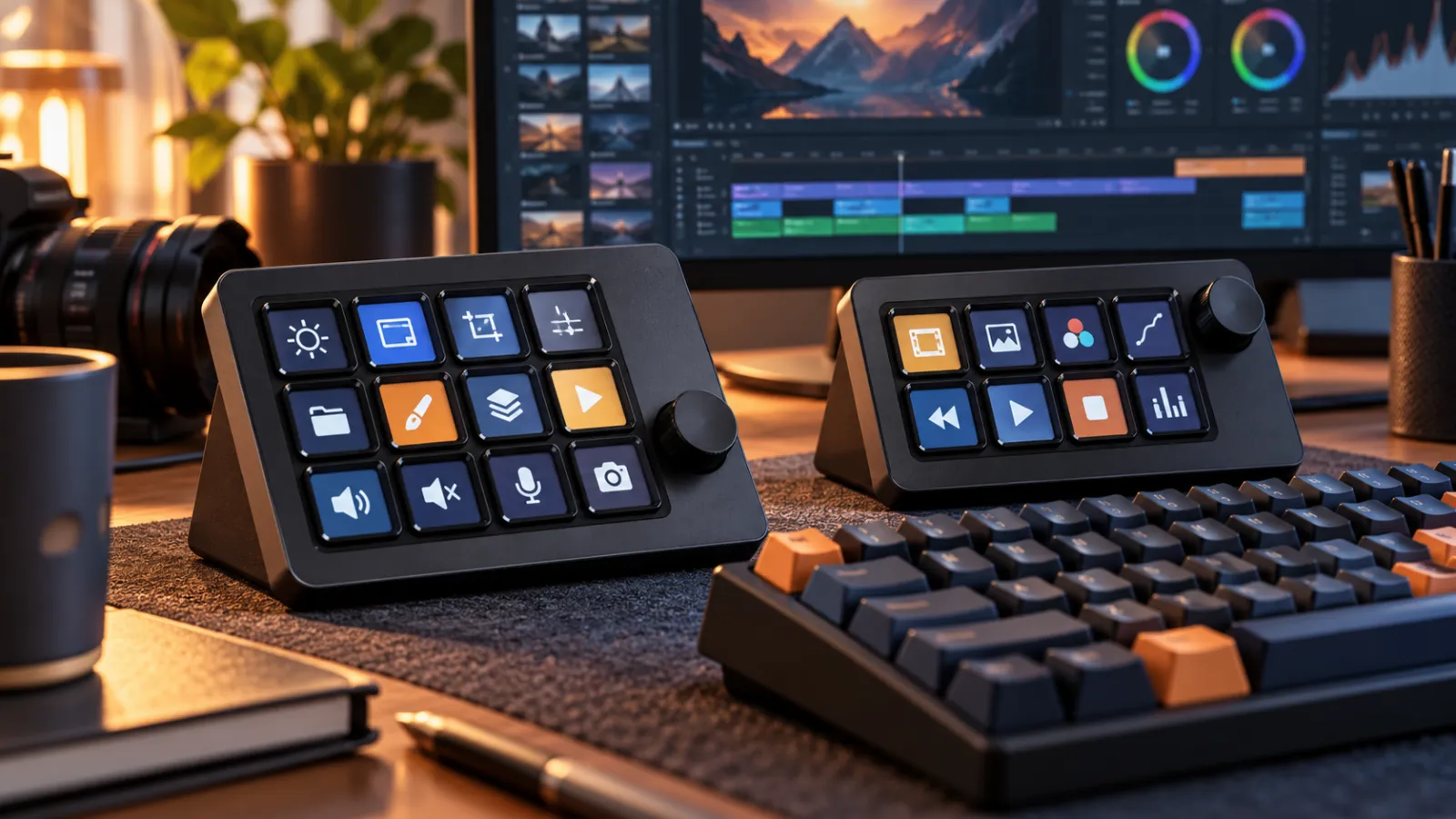
The most useful desk upgrade is often the one that removes a small interruption you repeat all day. VSDinside's programmable control pads and keyboards are worth considering if you keep reaching for the same shortcuts, scene switches or application commands. The appeal is having the right action within reach, not simply adding another illuminated device to the desk.
We reviewed official product pages and policies rather than testing the hardware. We have not measured input delay, switch feel or plugin reliability. Our assessment is that the range deserves a shortlist when you can identify a few repeatable tasks and verify the software support they require. There are also policy inconsistencies worth resolving before purchase.
Start with three actions you would actually assign
Before comparing models, write down three tasks you perform frequently. A creator might want to change an OBS scene, control media playback and open a project folder. An office user may prefer application shortcuts. These examples illustrate possible workflows; they do not establish that every application has a working integration for every device.
A control surface is most valuable when its placement and labels make those tasks easier to find. If you already perform them comfortably from the keyboard, the extra hardware may add little. Buy around an identifiable interruption rather than the number of available buttons.
Stream Dock 293S: a clear visual-key format
The official 293S page describes 15 LCD keys in a three-by-five layout, programmable actions, folders and an Action Flow sequence for multiple commands. It also lists OBS Studio and media-control use cases. The catalogue currently shows $59.99 against $89, but confirm the selected variant and final price.
This is an interesting starting point for a buyer who wants a separate visual control pad beside an existing keyboard. The layout gives you a concrete planning exercise: which actions belong on the first screen, and which can sit in a folder?
Our concern would be how easily you can maintain that setup after the initial excitement. A crowded collection of icons can become another interface to search. Start with a small, recognisable arrangement and confirm that the selected software supports each intended action before expanding it.
Stream Dock N1: check the exact regional listing
The official catalogue currently labels one model Stream Dock N1-USA and shows $59 against $98. The regional suffix is a reason to check the precise listing, shipping destination and included configuration rather than assuming every page called N1 describes the same order.
The N1 also has the highest stated percentage among the current Remaxcode product offers reviewed here. That makes it worth comparing, but it does not establish that it is the best fit. Check dimensions, controls and software requirements for the actual version before deciding.
A smaller purchase can still be the wrong one if it cannot support the actions you need. Conversely, a model with fewer controls may be sufficient if your main goal is a handful of shortcuts. We have not compared the handling of these devices in person.
K1 Pro: keyboard replacement or extra control pad?
The K1 Pro listing describes an 87-key mechanical keyboard with red switches, RGB lighting and integrated programmable controls. It lists USB connection and a QWERTY layout. This changes the decision: you are choosing a typing device as well as a shortcut surface.
If you already like your keyboard, a separate pad may preserve the setup you know. If you also need a new keyboard, integration may reduce the number of devices on the desk. Neither arrangement is automatically better; compare the complete layout and the space you use.
Switch preference and typing comfort are personal. We would not turn a product description into a claim that the keyboard will feel comfortable to every user. Confirm the layout, key requirements and return conditions before replacing a keyboard you rely on for daily work.
Software compatibility is part of the purchase
The official range discusses Windows and macOS support, customisation software and plugins. Treat those as the beginning of a compatibility check. A supported operating system does not establish that every third-party plugin, application version or specialised workflow will work without adjustment.
Identify the exact application and version behind your intended shortcuts. Review the available documentation and ask the seller about anything essential that remains unclear. We have not installed the software or independently checked its permissions, stability or update process.
For a streaming setup, plan how you would continue if a particular profile or action stops working. The hardware should make familiar commands more convenient; it should not leave you unable to reach an important control through the original application.
Returns need clarification: 60 days versus 30 days
The website banner promotes 60-day easy returns, but the detailed refund policy reviewed here states a 30-day request window and requires unused condition and original packaging. It also contains a placeholder where a return address should appear. We would ask the seller to confirm the applicable policy and return destination in writing before buying.
That discrepancy does not prove what the seller will do with an individual request. It does mean we cannot confidently present the longer banner period as the confirmed policy. Do not assume the purchase includes an unrestricted used-product trial.
The site also promotes free shipping over $58. Confirm the destination, basket threshold, possible taxes and actual shipping quote at checkout. A general banner does not establish the delivered total for every country.
Our verdict and the offers worth comparing
VSDinside is worth investigating when visual shortcuts address a clear need and you are willing to verify the software fit. The 293S provides a straightforward visual-key format to assess; N1 is a sale option to compare carefully; K1 Pro makes more sense if you also want to replace the typing keyboard.
Our reservation is the conflicting return information. Resolve that and the exact configuration before paying. Then compare VSDinside offers on Remaxcode and buy the controller that matches your workflow. Start with the commands you need, not the largest discount alone.
VSDinside
40% Off VSDinside Stream Dock N1
Save 40% on the compact Stream Dock N1.
VSDinside
40% Off VSDinside Stream Dock N4 Pro
Save 40% on the Stream Dock N4 Pro macro pad.
VSDinside
35% Off Stream Dock M18 Macro Keypad
Save 35% on the programmable Stream Dock M18, a Stream Deck alternative for PC and Mac.
VSDinside
20% Off Stream Dock XL 32-Key
Save 20% on the 32-key Stream Dock XL with custom LCD keys.
VSDinside
Free Shipping on Orders Over $58
Get free shipping on VSDinside orders over $58.
Current VSDinside offers
The cards include the highest listed N1 saving and alternatives for N4 and M18, plus shipping. Product discounts apply to their named models; we have not tested stacking or redemption.
Sources: VSDinside official catalogue, Stream Dock 293S, N1-USA and K1 Pro pages, shipping and refund policies, checked October 26, 2026. This editorial review assesses published information, not first-hand hardware or software testing. Prices, stock and terms can change. Remaxcode may earn a commission through links on this page. The cover is an AI-generated editorial illustration, not a photograph of the reviewed devices.