A laser engraver becomes useful when it can repeatedly make the pieces you actually want to produce. SCULPFUN offers several quite different routes: diode machines for cutting, compact dual-laser engravers for smaller work, and fiber or UV models for specialist marking. Buying the most powerful headline is not automatically the best route to a useful workshop.
Our assessment is that the range deserves a shortlist if you can define the material, finished-piece size and working environment first. We examined the official catalogue, not a machine in our own workshop. Cutting speeds, depth and accuracy below are manufacturer descriptions rather than independently measured results.
S70 MAX and S40 MAX: start with the size of the job
SCULPFUN positions S70 MAX as a 70W large-area diode cutter and S40 MAX as a 48W machine with an advertised 830 × 800 mm working area. Those are meaningful distinctions for someone planning larger wooden signs or multiple pieces on one sheet. They do not establish that every material or thickness will cut cleanly in a single pass.
Map your usual blank size before choosing. If you mostly engrave small gifts, unused bed area can consume workshop space without improving the product. If you repeatedly tile larger designs on a smaller machine, a larger working area may reduce repositioning. That is a workflow benefit to evaluate, not a measured productivity gain we can promise.
SCULPFUN also highlights SF-A9 as a 40W diode option. Compare the complete current configuration rather than treating the wattage as a substitute for a specification sheet. Air assist, a suitable working surface and extraction affect what the purchase really involves.
iCube Ultra: a smaller engraving proposition
The current homepage describes iCube Ultra with a 12W diode laser, 1.2W infrared laser, autofocus and a 150 × 150 mm working area. Its compact working field makes it a different proposition from the large cutters. Think smaller personalized items and designs that comfortably fit inside the usable area.
The dual-laser description does not mean both sources work equally well on every surface. Ask for guidance on the exact blank, coating and desired result. A coated tumbler, bare metal tag and wooden coaster are separate jobs, even if each appears in a broad materials gallery.
For an illustrative gift-making routine, imagine preparing a short run of matching name tags instead of outsourcing each one. The appeal is control over layout and timing. The value depends on successful material testing and the number of usable pieces, not simply owning a machine labelled portable.
G20 and V12: specialist materials change the decision
G20 is presented as a 20W galvo fiber engraver, with metal marking a central use. V12 is promoted as a UV laser platform, including a 200 × 200 mm field lens and crystal-related applications. These are not interchangeable upgrades to a wood-cutting diode machine.
If your brief is metal identification or glass-related work, explain that brief to support before ordering. Ask which machine, lens and accessories are appropriate and what sample results can be provided for the actual material. Manufacturer speed and depth figures should be read with their test conditions.
Color marking on certain metals is particularly dependent on material and settings. We would not buy solely because a catalogue photograph shows a color effect. Request a representative demonstration and account for the time needed to learn a repeatable process.
The complete workshop costs more than the laser
Check the required enclosure, ventilation, extraction, compatible rotary accessories, working surface and software. Follow the specific machine manual for eye protection and operating precautions. An enclosure or Class 1 claim for one model should not be assumed to describe every machine in the catalogue.
Material compatibility is equally important. A general gallery of acrylic, leather or paper is not permission to process every formulation. Identify the material properly and follow the manufacturer’s compatibility guidance. Plan a suitable supervised workspace before purchasing, rather than attempting to solve it after delivery.
Include blanks and practice pieces in your budget. The first useful comparison is the cost of a complete, workable setup. A lower machine price can be outweighed by accessories you already know you need.
Offers, shipping and support
Remaxcode lists machine-specific discounts, a seasonal sale and an accessory-bundle incentive. Compare the final eligible basket: a percentage on one compact model and a dollar saving on a large cutter describe different purchases. Do not add equipment merely to reach a headline discount.
SCULPFUN advertises US and EU warehouses, online support and a 30-day return proposition. Confirm dispatch location, destination charges, return eligibility and the treatment of an assembled or used machine in the full policy. We have not tested support response times or a return.
Our verdict: choose the production job first
SCULPFUN is most compelling when a particular machine solves a defined task. S70 MAX and S40 MAX deserve attention for larger cutting projects; iCube Ultra addresses smaller engraving work; G20 and V12 lead toward different specialist applications. None is automatically the right first purchase for every maker.
Shop SCULPFUN offers on Remaxcode, shortlist the machine for your materials, and confirm the complete setup before buying. A clear project brief is worth more than an unused upgrade.
Relevant offers

SCULPFUN
56% Off SCULPFUN G9 Portable Laser Engraver – US Clearance
Get the G9 portable laser engraver with 2W IR and 10W diode lasers for $829.99 (was $1,899).
SCULPFUN
50% Off SCULPFUN iCube Ultra Dual Laser Engraver
Get the flagship portable iCube Ultra dual laser engraver for $299 (was $599).
SCULPFUN
$850 Off SCULPFUN S40 MAX 48W Laser Cutter
Get the S40 MAX 48W laser engraver and cutter with an 830×800mm work area for $1,149 (was $1,999).
Sources: SCULPFUN official homepage and machine catalogue, including S70 MAX, S40 MAX, SF-A9, iCube Ultra, G20 and V12, checked October 19, 2026. Product details, availability and promotions can change. Remaxcode may earn a commission through links on this page. This is an editorial assessment of published information, not a hands-on product test.
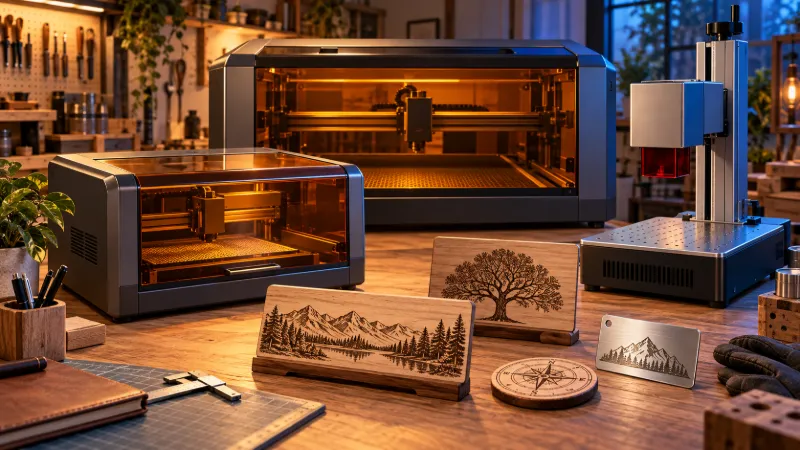
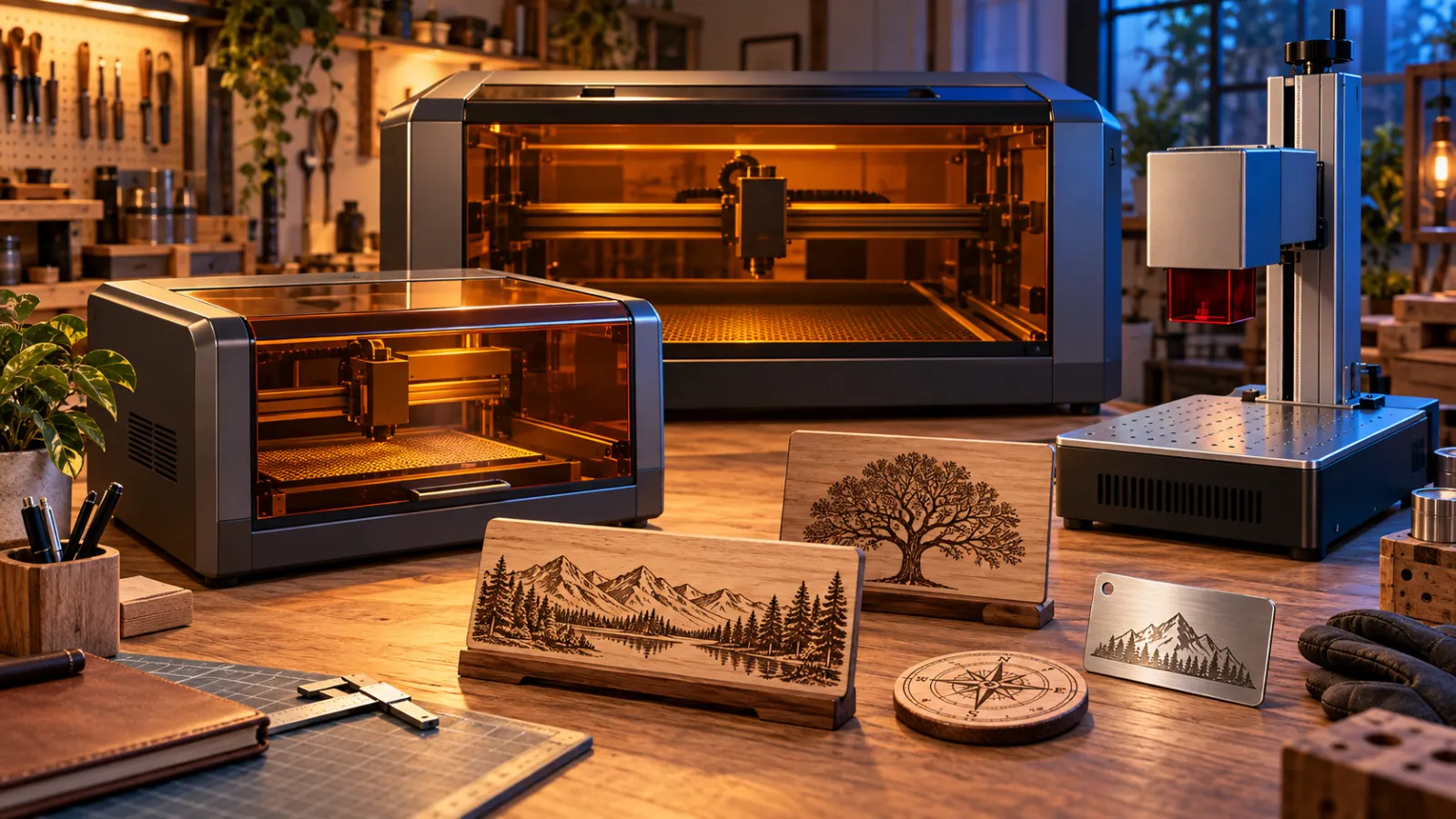
Cover image: AI-generated editorial illustration of the product categories discussed, not a photograph of the exact SCULPFUN models.