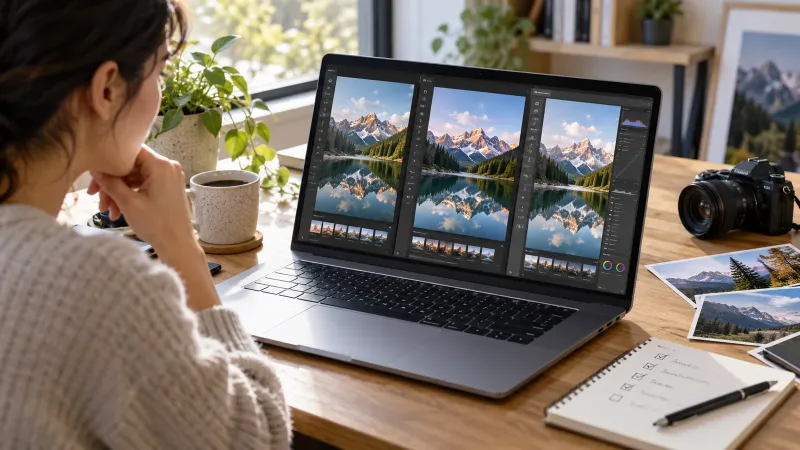
You have a photo ready to publish, but it still needs a cleaner crop, a different background or a layout that works on social media. Opening an editing tool should move that task forward, not turn a small job into an afternoon of learning. Pixlr is appealing in that situation because you can begin in a browser and choose between its Express and Editor products before committing to a subscription.
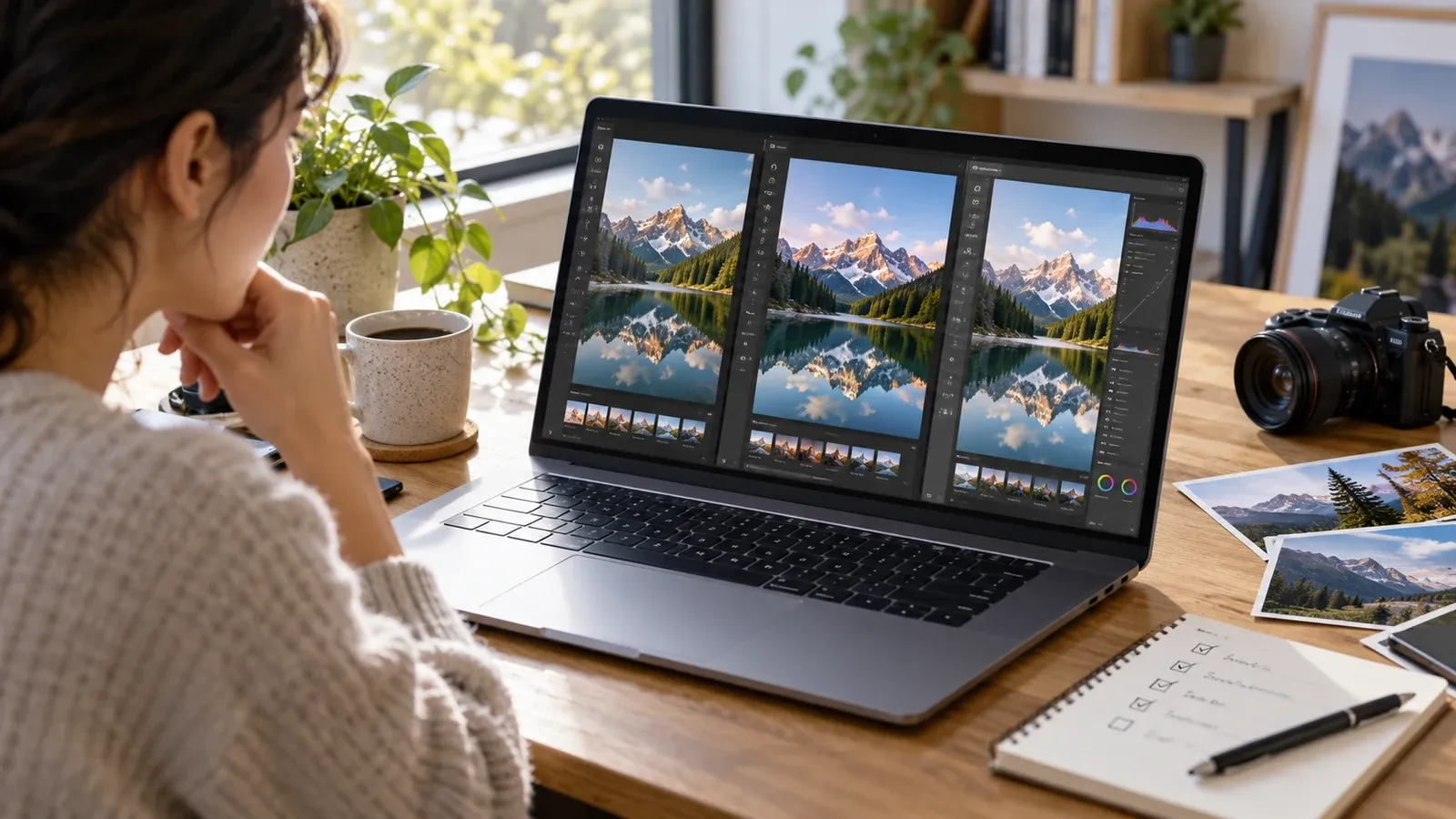
Our assessment is straightforward: Pixlr is worth shortlisting for people who want accessible online editing and optional AI tools. Its value depends on the work you actually complete, the outputs you need and how you use the paid plan's credits. We reviewed the official tools and pricing information; we have not run a controlled image-quality or speed comparison.
Pixlr Express and Pixlr Editor: choose the starting point
Pixlr Express for a quick editing session
Pixlr presents Express as its modern AI-powered photo editor. The opening screen offers Open image, Create new, Create collage and access to AI image generation. That gives someone with a small, clearly defined job an immediate place to begin.
Imagine preparing a few images for a product announcement. Instead of buying a subscription first, open a non-sensitive sample and attempt the actual task. Can you produce the dimensions and file you need without unnecessary steps? Does the finished image still represent the product accurately? A convenient opening screen is useful, but the complete export workflow is the real buying test.
Pixlr Editor for a more involved project
Pixlr describes Editor as its advanced online photo editor. It also starts with an existing image or a new project. Choose this route when you want to investigate the more advanced editing environment rather than assuming the simpler starting point will cover every task.
Before switching a recurring workflow, use a representative project. Include the kinds of assets, revisions and final files you normally handle. A tool that works for one social graphic may not meet the requirements of a client handoff or an existing production process. Check the required file support and export behaviour in the actual app.
The paid plans: what you are really buying
The pricing page reviewed on 16 October 2026 lists Plus, Premium and Ultra. It separates ordinary subscription features from monthly AI credits and shows different concurrency allowances. Prices and allowances can change, so the checkout page remains the place to confirm the current offer.
Plus: investigate it when the basics are enough
Plus lists ad-free use, unlimited saves, one concurrent AI generation and 80 monthly AI credits. The practical appeal is a lighter paid commitment if interruptions and save limits are the main reasons you are considering an upgrade.
It is not automatically the right plan for frequent AI experimentation. If your work involves repeated generations and several attempts per final result, estimate that usage first. A low entry price can be less helpful if you soon need extra credits or a higher plan. Conversely, someone who mainly edits existing images may not need the larger AI allowance.
Premium: assess the features you would use weekly
Premium lists 1,000 monthly AI credits, four concurrent AI generations, access to image, video and audio models, private mode for AI generations and a wider creative asset library. Those are reasons to compare it when you produce recurring content rather than make an occasional crop.
Write down a realistic week of work: perhaps product graphics, a few campaign variations and occasional generated assets. Identify which listed paid features would remove an actual obstacle. “More features” is a weak reason to subscribe; a feature you will repeatedly use to finish work is a stronger one.
Ultra: look beyond the headline allowance
Ultra lists a higher concurrency limit, priority generation queue, extended high-resolution exports and unlimited free “fast” image generations subject to fair use. Its credit allowance depends on the selected configuration. The same pricing page notes that AI-service availability can vary with demand and capacity.
That qualification matters for deadlines. We would not build an urgent delivery promise around the word “unlimited” alone. Read the current fair-use conditions and confirm the exact variant, credit allocation and billing total before purchasing. More capacity makes sense when it matches a repeatable workload, not simply because the plan is presented as the highest tier.
AI credits: count attempts, not just finished images
Pixlr's pricing page states that monthly credits are valid for one month. Its estimated output counts also vary by model and task. Treat these as planning figures, not a promise that every action has the same cost or that each generation will be ready to publish.
For your own estimate, count the attempts behind a usable result. If you try multiple prompts, revise an output and generate alternatives before selecting one, that is a different workload from producing a single image on the first attempt. Keep a small usage record before deciding how much capacity you need.
This is where a measured upgrade can feel worthwhile: you know which tool you need, can estimate your usage and spend less time wondering whether the subscription fits. The improvement is a more predictable creative process, rather than an assumption that AI will remove every revision.
What we like—and where we would be careful
Pixlr gives shoppers distinct product entry points and a visible plan comparison. You can investigate the working environment before making the subscription the centre of the decision. For someone moving between simple edits and occasional AI work, that flexibility is worth exploring.
The limitations are equally practical. Published feature lists do not establish how well a particular image will turn out. Browser access does not by itself confirm suitability for every file, device or professional workflow. And an AI result still needs a careful visual check for inaccurate details.
For commercial work, read the current licence terms for the service and any assets you use. Consider confidentiality before uploading private client material. Check the privacy conditions relevant to your chosen plan rather than treating a feature called private mode as a complete answer to every data-handling requirement.
A useful test before you subscribe
Choose one typical, non-sensitive image and a specific output goal.
Try the relevant Pixlr product and complete the export.
Inspect text, edges, proportions and product details at the final size.
Record any paid feature or credit limit that actually blocks the job.
Compare monthly and annual commitments using the total billed amount.
If you have a small number of projects, a shorter commitment may be easier to evaluate. If you already have steady usage, compare the annual option against that demonstrated pattern. A promotional price should support a sound plan choice, not replace it.
Our verdict: a promising option when the workflow fits
Pixlr is a credible shortlist option for exploring online photo editing, from Express's accessible starting point to Editor's advanced positioning and the paid plans' AI tools. The strongest reason to buy is that you have completed a representative task and know exactly what the upgrade adds.
Check Pixlr offers on Remaxcode, compare the current plan details and start creating with the level that fits your workload. Keep your original files and review the final output before publishing.
Official sources: Pixlr Express, Pixlr Editor and Pixlr pricing, reviewed 16 October 2026.
Remaxcode may earn commission from qualifying affiliate purchases. This is an editorial review of published information, not a claim of measured editing performance. The cover is an AI-generated illustration.
Pixlr yearly-billing offer
Pixlr advertises 20% savings with yearly billing compared with its monthly pricing. The annual option is a longer commitment, not a monthly payment at the displayed equivalent rate. Check the upfront total, renewal terms and chosen plan before subscribing; do not assume this stacks with another promotion.

Pixlr
Save 20% with Yearly Billing
Choose yearly billing and save 20% on any Pixlr plan.
Offer source: Pixlr official pricing, checked October 16, 2026. Pricing and eligibility can change.
More offers to compare
Choose an eligible offer for your planned purchase. Check the terms and final price before checkout.
Pixlr
Pixlr Plus from $1.99/Month
Get ad-free editing with Pixlr Plus from $1.99 per month, billed yearly.
Pixlr
Explore Pixlr Plans & Pricing
Compare current Pixlr plans and pricing to find the option that fits your needs.
Pixlr
Pixlr Premium from $7.99/Month
Unlock AI tools with Premium from $7.99 per month, billed yearly.
Pixlr
Start Editing in Your Browser
Edit photos online without installing any software.