
The right editing route depends on the changes you need to make, not which tool name sounds more advanced. Define the task before buying access.
This comparison focuses on purchase decisions and published catalogs. We have not carried out a matched product test, so neither store is declared a tested winner.
What you are comparing
Pixlr’s official site provides routes to Pixlr Editor and Pixlr Express.
Use the current tool descriptions to check the functions your task needs. Try a copy of a non-sensitive image where access permits. Investigate layer control, export requirements and any automated tools relevant to the job without assuming the two products are interchangeable.
Make the comparison fair
Check which functions depend on the selected plan and whether credits or other limits apply. Review the output for visual errors. We have not compared every feature or measured processing quality.
Questions for both stores
Write the actual editing task
Check required functions in each tool
Review plan and usage limits
Test a copy where available
Confirm export requirements
How to make the choice
Choose the workflow that completes the task clearly, with the least unnecessary complexity.
Keep a record of the exact item or service, selected options and the terms shown when you order. If a detail would change your decision, resolve it with the seller first rather than relying on a general homepage statement. This also makes it easier to compare a second quote without accidentally changing the specification.
Offers in context
Quick checklist before you buy
Use this short checklist to turn the advice above into a confident decision. Working through each point takes only a few minutes and helps you avoid the most common mistakes and returns.
Decide which editing tasks you do most often.
Compare features available in each version.
Check export options and file formats.
Consider whether you need paid features.
Test the free version before upgrading.
About Pixlr
Pixlr is a cloud-based photo editor and AI image generator used by millions of creators. It offers one-click background removal, generative fill, object removal and AI image generation, alongside the layer-based Pixlr E and the quick-edit Pixlr X.
You can start editing in your browser without installing anything, and it opens common formats including PSD files. A free tier is available, with paid plans adding AI credits and ad-free editing.
Why shoppers choose Pixlr:
Browser-based photo editing
AI background removal
Generative fill and AI images
Opens PSD files
Free and premium plans
Ways to save at Pixlr
Before you check out, compare the current Pixlr offers listed on Remaxcode. These are the ones available when we last checked:
Save 20% with Yearly Billing: Choose yearly billing and save 20% on any Pixlr plan.
Pixlr Plus from $1.99/Month: Get ad-free editing with Pixlr Plus from $1.99 per month, billed yearly.
Pixlr Premium from $7.99/Month: Unlock AI tools with Premium from $7.99 per month, billed yearly.
Explore Pixlr Plans & Pricing: Compare current Pixlr plans and pricing to find the option that fits your needs.
Start Editing in Your Browser: Edit photos online without installing any software.
Offers can change or end at any time, so confirm the final price, shipping and any conditions in your basket before you pay.
Check Pixlr on Remaxcode after narrowing your choice. Any embedded offer is a listing to investigate, not a claim that we successfully redeemed it. Confirm the region, eligible items, minimum spend, exclusions and final total; extra purchases made only to reach a threshold can erase the saving.
Source: Pixlr official website, checked October 14, 2026. Availability, prices and policies may change.
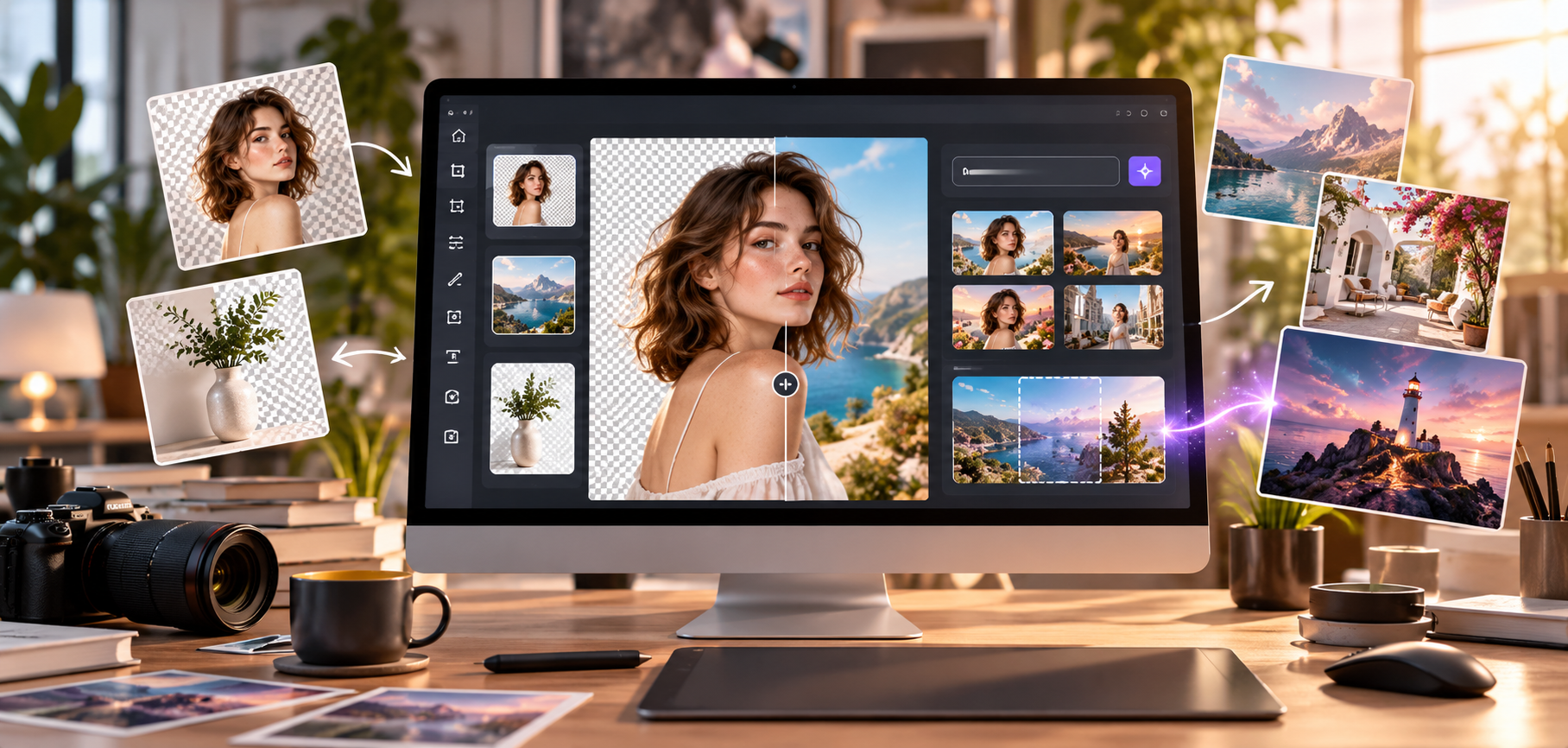
Image: AI-generated illustration, not a photograph of a tested product. Remaxcode may earn a commission through links on this page.
More offers to compare
Choose an eligible offer for your planned purchase. Check the terms and final price before checkout.

Pixlr
Save 20% with Yearly Billing
Choose yearly billing and save 20% on any Pixlr plan.
Pixlr
Pixlr Plus from $1.99/Month
Get ad-free editing with Pixlr Plus from $1.99 per month, billed yearly.
Pixlr
Explore Pixlr Plans & Pricing
Compare current Pixlr plans and pricing to find the option that fits your needs.
Pixlr
Pixlr Premium from $7.99/Month
Unlock AI tools with Premium from $7.99 per month, billed yearly.
Pixlr
Start Editing in Your Browser
Edit photos online without installing any software.