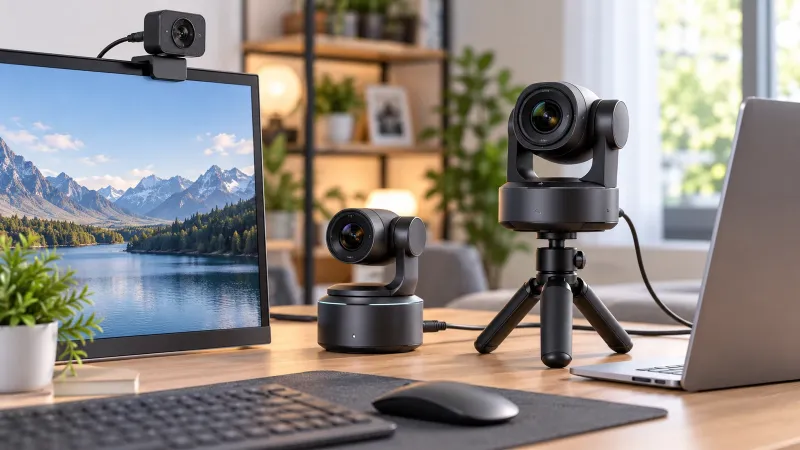
A better camera setup should let you concentrate on the conversation or presentation, rather than repeatedly adjusting the frame. OBSBOT offers several ways to approach that problem, from desk webcams to pan-and-tilt streaming cameras. The important choice is whether you mainly sit at a screen, move around while presenting, or build a wider live-production setup.
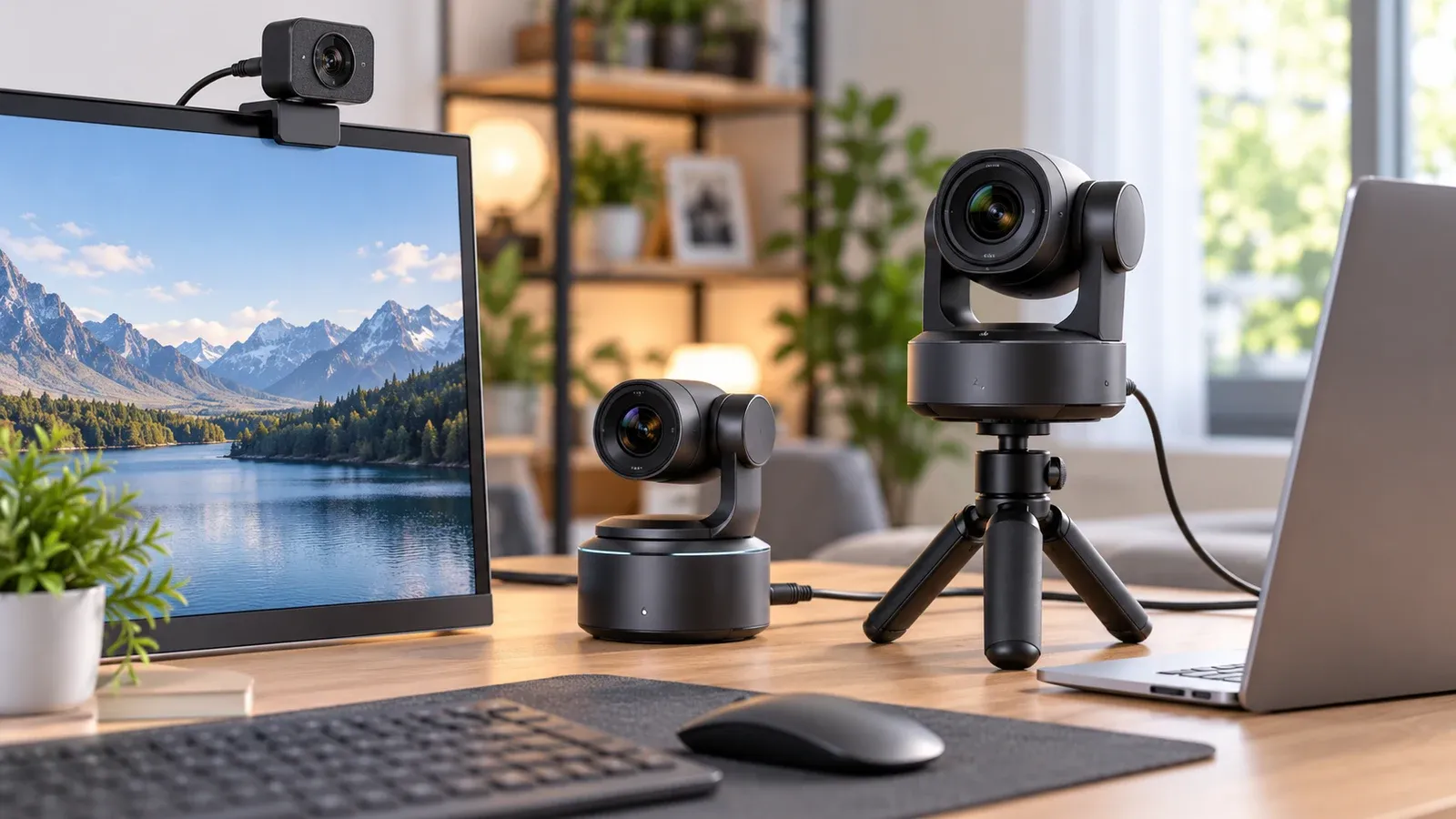
Our assessment: OBSBOT is worth shortlisting when automatic framing or camera movement solves a genuine workflow problem. Meet Flip, Tiny 3 and Tail Air serve different jobs, and their accessories and software should be compared alongside the camera. This review is based on published information; we have not measured tracking accuracy, image quality, audio performance or streaming latency.
OBSBOT Meet Flip: a desk-focused option
Meet Flip is presented as a foldable 4K webcam with AI auto framing, 4K at 30fps or 1080p at 60fps, and a dual-microphone system. The product page shows US$119. Its integrated stand supports screens up to 20.5mm thick, so check your monitor rather than assuming every display is compatible.
The folding lens arrangement is a practical feature to investigate if you want a physical way to cover the camera when a call finishes. The page also describes Auto Sleep through OBSBOT Center. A physical lens position and a software standby setting are different controls; understand both before relying on them in a shared workspace.
Picture a home office where you mostly remain seated but occasionally lean back or bring another person into the frame. Auto framing could reduce manual adjustment. It does not necessarily mean you need the motorised movement or production connections of a different OBSBOT family.
AI Magic Notes: check the service as well as the camera
Meet Flip's product page promotes AI Magic Notes for transcription and meeting summaries. That is a software-assisted proposition, not simply another optical specification. Confirm the current account requirements, supported language, application compatibility, allowances and any ongoing charges before counting it as part of the purchase value.
If you intend to use meeting transcription, follow your organisation's rules and obtain appropriate participant consent. Review important summaries against the actual discussion before acting on them. We have not tested transcription accuracy, speaker identification or how the feature handles a confidential meeting.
OBSBOT Tiny 3: when movement matters
The current Tiny 3 Series page presents Tiny 3 and Tiny 3 Lite, with AI Tracking 2.0, voice tracking and 4K/30fps or 1080p/120fps modes. The Tiny 3 material specifically identifies a 1/1.28-inch sensor. Do not transfer every flagship specification to the Lite model without checking the comparison table.
Documented features include object tracking, composition controls and zone-based tracking arrangements. For a presenter who moves between a desk and a demonstration area, those controls are more relevant than simply asking whether the webcam has “AI.” Decide where you want the frame to follow and where you want it to stay still.
Imagine explaining a craft project at a table, then standing to show a larger piece. A tracking camera could help maintain the visual thread without a second person adjusting it. That is an illustrative workflow, not our tested experience. Confirm the permitted movement area, mounting position and the application receiving the picture.
Higher frame rates and higher resolution are separate modes, not a promise of 4K at 120fps. Your meeting or streaming platform may also limit the output. Choose for the result your audience can actually receive, rather than assuming every published mode is used automatically.
OBSBOT Tail Air: a streaming-camera proposition
Tail Air is described as an AI-powered 4K PTZ streaming camera, with micro-HDMI and USB-C output options. Its product information lists up to 4K/30fps and 1080p/60fps over HDMI. Wired Ethernet requires the dedicated USB-C-to-Ethernet adapter; do not count that connection as included just because Ethernet appears in the feature list.
This is the model to investigate when the camera is part of a more deliberate production system, rather than only a monitor-top meeting setup. Write down the path from camera to computer, display or network receiver. Then verify each connection and any required power arrangement before ordering.
For a small live event or interview, a flexible camera could reduce repositioning between shots. It also introduces more setup decisions. A camera, mounting equipment, cables and compatible receiving software need to work together; buying a strong individual component does not establish that the complete system will be simple.
Important 2026 NDI edition change
OBSBOT's December 23, 2025 announcement says Tail Air and Tail 2 NDI Edition models are offered with NDI activated from January 1, 2026. Older product wording still refers to a separately purchased license. Check the exact edition on your order rather than assuming every Tail Air needs an extra key.
The announcement gives December 31, 2026 as the deadline for separate activation of eligible non-NDI units and says unused keys cease to work after that date. If you own or are considering a standard unit, obtain confirmation of its eligibility and required activation process. We have not performed that activation.
What to check before choosing a camera
Begin with the room: camera position, light direction, distance to the subject and the background you want visible. A tracking feature cannot move a physical obstruction or create a flattering camera angle by itself. A simple change in placement may improve the setup before any upgrade.
Then consider audio. If you already have a microphone you like, establish how it fits into the application and whether the camera's own microphones are needed. If you want one device to cover both picture and sound, ask about the exact pickup modes and compare them against your room noise and speaker distance.
Finally, list the controls you will use during a real session. Will you operate the software, a compatible remote or gestures? Can you restore a fixed shot quickly? A useful purchase reduces friction in your routine; unused features add less value than a dependable, understood workflow.
Software updates and older models
The Meet Flip download page lists OBSBOT Center for Windows 10 64-bit or later and macOS 11 or later. It showed Center version 2.0.15.186 dated September 23, 2026, and Meet Flip firmware 4.5.5.1 dated October 9, 2026, described as fixing known bugs. These are documented releases, not evidence that we installed or tested them.
Use the download page for your exact model and check current operating-system support. Avoid planning a setup around software features your computer cannot run. Also distinguish ordinary camera output from advanced options that require OBSBOT's application.
OBSBOT's April 30, 2026 discontinuation notice includes several older models, such as Tiny SE and the first-generation Meet and Tiny variants, with production ending May 1, 2026 and support stated through May 1, 2031. Remaining stock is a different buying proposition from a current production model. Check the notice before choosing an older discounted item.
Purchase channel and return terms
The current after-sales policy makes return periods and procedures dependent on the purchase channel and applicable local rules. For official-site orders, it refers buyers to the relevant purchase-page conditions. For authorised marketplace purchases, returns generally start with that platform or seller.
Do not assume a universal trial window based on an old review. Confirm warranty coverage, return eligibility, required packaging and any shipping costs for the exact regional order. Keep proof of purchase and contact support for authorisation before sending a camera back.
We have not tested customer-service response times or made a repair claim. Resolve a critical compatibility question before purchasing, particularly if you need the equipment for a fixed event date.
Choose the coupon for the selected model
Remaxcode lists two relevant 5% codes: MF5 for Meet Flip, expiring October 31, 2026, and OTA5 for Tail Air, expiring December 31, 2026. These are model-specific listings, not a 5% promise across the entire OBSBOT range. We have not redeemed either code.
OBSBOT
Extra 5% Off OBSBOT Tail Air
Take an extra 5% off the OBSBOT Tail Air streaming camera.
Confirm the eligible edition, regional price, included accessories and actual checkout total. Do not assume a code covers a separate adapter, software service or NDI license, or that promotions can be stacked. The right saving is the one attached to the setup you actually need.
Our verdict: buy around the workflow
Shortlist Meet Flip for a desk-oriented webcam with a folding design. Compare Tiny 3 when tracking and presentation movement are central. Investigate Tail Air when production outputs and a network workflow justify the extra setup decisions. A more elaborate camera is not automatically the better choice for a seated weekly call.
Shop OBSBOT offers on Remaxcode, choose the exact model and verify the complete connection path before you buy. Aim for a setup that lets you focus on what you are saying and showing, with the camera serving that purpose.
Sources: OBSBOT official homepage, Meet Flip, Tiny 3 Series and Tail Air product pages, Meet Flip download page, NDI integration announcement, Product Discontinuation Notice and current Warranty & Refund policy, checked October 16, 2026. Specifications, software, prices and promotions may change. We have not tested the cameras, installed updates or redeemed coupons. Remaxcode may earn a commission through links on this page. Cover image is an AI-generated editorial illustration, not a photograph of a tested OBSBOT setup.
More offers to compare
Choose an eligible offer for your planned purchase. Check the terms and final price before checkout.
OBSBOT
Join the OBSBOT Newsletter for Exclusive Offers
Sign up for OBSBOT emails to hear about new promotions, launches and subscriber-only offers first.
OBSBOT
Shop the OBSBOT Sale
Browse discounted items in the OBSBOT sale section. Prices and stock change often, so check back regularly.
OBSBOT
Shop OBSBOT Best Sellers
See the products OBSBOT customers buy most and find a proven favourite.