A home camera setup is useful when it covers the places you need and lets you find footage without confusion. Jennov offers PoE, WiFi and battery-powered options, so the first decision is how the system will be powered and connected. A higher resolution label should come after that plan, not replace it.
Our assessment is that Jennov is worth comparing for a defined monitoring layout, particularly if you want to examine a recorder-based kit. It is less useful to choose a camera count before checking cable routes and storage. We reviewed official catalogue and A95 information; we have not installed the cameras or tested image quality, alerts or security performance.
A95 PoE system: power and data on a cable
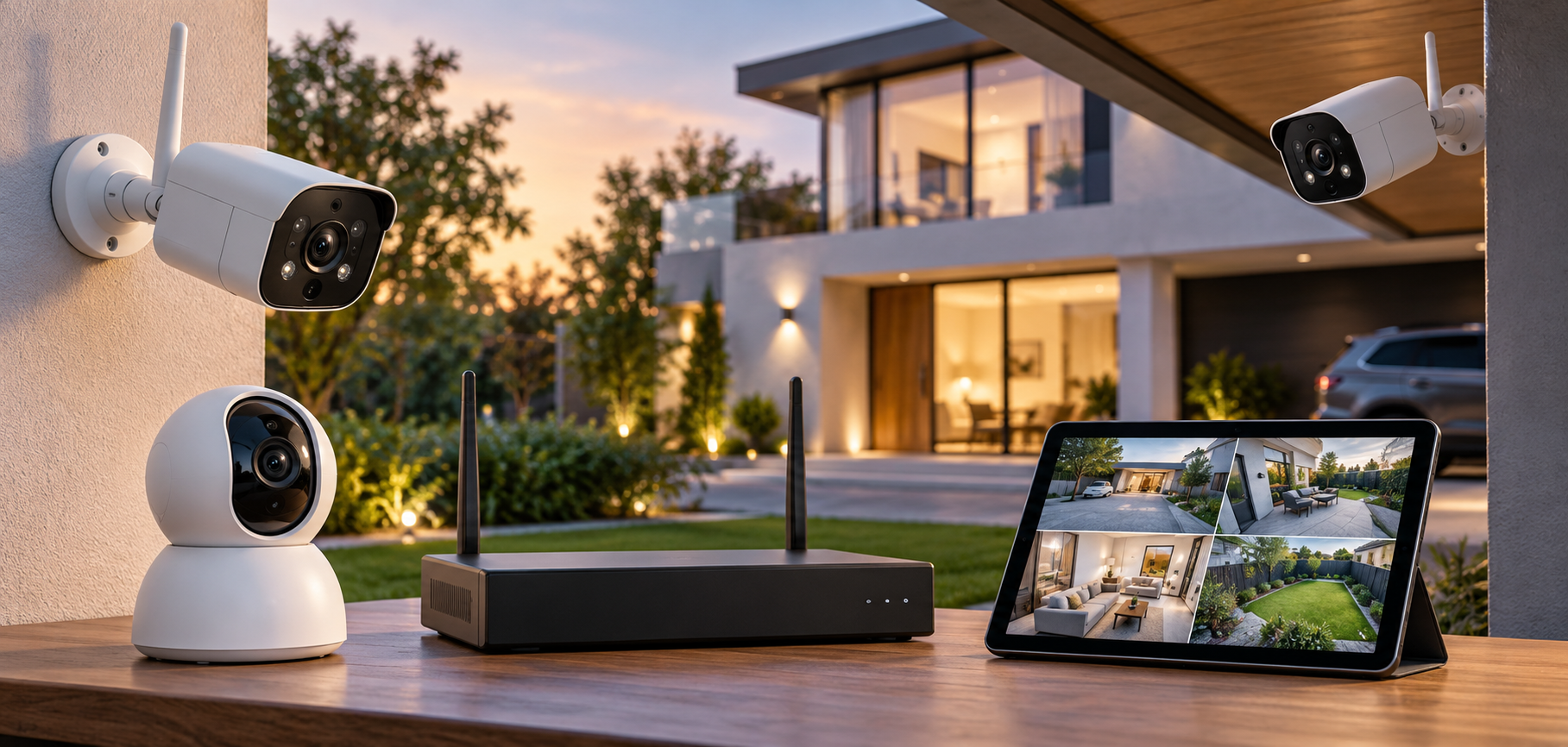
The A95 PoE listing describes 4K cameras connected to a V19 recorder using Ethernet cable for power and video. It presents four- and eight-camera configurations, a built-in twelve-inch display, local hard-drive recording and remote viewing through an app.
The practical attraction is a defined wired arrangement that can reduce dependence on each camera’s WiFi connection. The practical work is getting the appropriate cable to every position. A kit described as easy to set up still needs a viable route through the property.
Before buying, mark the camera positions, recorder location, network connection and power supply. Check cable lengths and what is actually included in the selected box. A bundle photograph does not establish that every configuration contains the same quantity of cable or storage.
WiFi does not automatically mean wire-free
Jennov’s catalogue separately identifies WiFi cameras, wireless systems and battery-powered cameras. Those distinctions matter. A camera can send data wirelessly while still needing a power cable; a battery model has a different charging and recording arrangement.
Choose by the location. If you can route cable during a renovation, a wired system may be practical. If a position is difficult to wire, investigate the relevant wireless option and the actual power requirement rather than assuming a WiFi label solves both problems.
For a battery or solar product, ask how recording is triggered, what happens in low-light periods and how charging is maintained. Do not assume it behaves like a continuously powered recorder-based camera simply because the app appears similar.
4K is a specification, not an identification guarantee
The A95 description gives 3840 × 2160 resolution and mentions night-vision and human-detection features. These are useful specifications to investigate, but they do not prove that a face or registration plate will be readable at every distance or angle.
Decide what you need to see at each position: an overview of an entrance, a delivery area or a particular approach. Consider mounting height, field of view, obstructions and lighting. A wide overview and fine detail at a distance can be different requirements.
We have not measured low-light performance or recognition distance. Avoid treating an advertised night-vision range as the distance at which every important detail remains identifiable.
Storage: ask how long useful footage remains
The checked listing describes a one-terabyte hard drive and automatic overwriting when storage fills. Recording duration depends on the selected configuration and settings, so do not treat a general days-of-footage estimate as a fixed result for every camera count.
Work backwards from the time you may need to review an event. If you are away for a period, check whether the chosen capacity and recording mode retain the footage you would want. Learn how to export a clip before relying on the system.
Also establish what happens during a power or network interruption. Local recording, remote access and notification delivery are separate functions. Ask the seller which remain available in the scenario you are concerned about.
Channel counts need confirmation
The A95 page contains both an eight-channel recorder description and a separate expansion phrase referring to twelve cameras. We would resolve that discrepancy before buying extra cameras. Ask for the exact recorder model, supported channels and compatible camera list in writing.
A camera with a similar appearance is not automatically compatible. Confirm expansion at the system level, including recording limits and any requirements for additional network equipment. This is particularly important if your initial purchase is intended to grow later.
The selected page also showed a notify-me control, so check actual stock rather than assuming a catalogue listing means immediate dispatch. We have not used availability language as a promise of delivery.
Alerts and access: plan the routine
Imagine checking a delivery area after receiving an alert. The useful outcome is being able to locate the relevant view and time quickly. That depends on sensible placement and settings, as well as the app’s features. It is an illustrative scenario, not an event we captured using Jennov.
Start with appropriate account security and follow the device’s update guidance. Review who needs access and how sharing works. Camera placement and audio use should respect applicable privacy requirements and the people around the property.
Test alert sensitivity in the actual environment after setup. A feature named human detection does not establish that false or missed alerts never occur. We cannot quantify detection accuracy without a controlled test.
Compare the complete installed cost
Include cabling, storage configuration, any required mounts and installation help. A lower-priced kit can be less convenient if you need additional parts before it covers the planned positions. Compare the exact four- or eight-camera variant rather than a generic starting figure.
The Remaxcode cards include a new-customer code and catalogue routes. Check account eligibility and exclusions at checkout; we have not redeemed the coupon. Do not assume a discount compensates for unresolved compatibility.
Keep the order specification and support responses. If a channel-count or stock question remains unanswered, settle it before payment rather than planning around the most optimistic line in the description.
Our verdict: choose the connection plan first
Jennov offers meaningful choices between wired recorder systems and wireless alternatives. The A95 kit is worth examining when you can plan Ethernet routes and want local recording. The right purchase still depends on coverage, storage and confirmed compatibility.
Compare Jennov offers on Remaxcode and plan your camera setup. Confirm the selected hardware, availability and final price before buying.
Relevant Jennov offers

Jennov
10% Off for New Customers
New customers save on Jennov 4K security cameras and surveillance kits.
Jennov
Shop Jennov Best Sellers
See the products Jennov customers buy most and find a proven favourite.
Jennov
Join the Jennov Newsletter for Exclusive Offers
Sign up for Jennov emails to hear about new promotions, launches and subscriber-only offers first.
Jennov
Shop the Jennov Sale
Browse discounted items in the Jennov sale section. Prices and stock change often, so check back regularly.
Jennov
Discover New Arrivals at Jennov
Check out the latest additions to the Jennov range before they sell out.
Sources: Jennov official product-series page, linked shop PoE collection and A95/V19 system listing, checked October 19, 2026. Specifications, availability and offer conditions can change. Remaxcode may earn a commission through links on this page. Cover image is an AI-generated editorial illustration, not footage or a photograph from our own installation.