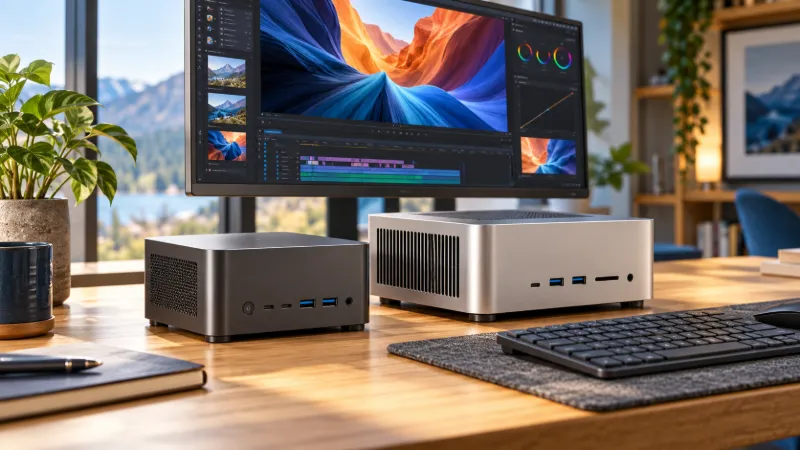
A small computer can make a desk feel less crowded, but its size should be the last specification that decides the purchase. The real question is whether the configuration can run your applications, connect your existing equipment and remain practical to maintain. GMKtec is interesting because its catalogue stretches from relatively modest mini PCs to much more expensive compact systems.
This review compares the published positioning of the K8 Plus, M6 Ultra and EVO-X2. We have not benchmarked these computers, measured fan noise or tested their long-term reliability. Our recommendation is to compare complete configurations around your workload, rather than treating an AI or gaming label as a performance result.
GMKtec K8 Plus: look beyond the headline price
The K8 Plus listing specifies an AMD Ryzen 7 8845HS, Radeon 780M graphics, two DDR5 SO-DIMM slots and two M.2 storage slots. Crucially, its $409.99 displayed starting option was barebone: no memory, storage or operating system. A 32GB RAM and 1TB SSD option was also listed. USB4, HDMI, DisplayPort and dual 2.5G Ethernet appear in the published connection list.
That barebone distinction changes the value calculation. If you already own compatible components and are comfortable installing them, an unfinished system may be a deliberate choice. If you want to unpack a working computer, compare the ready-configured price instead. Include an operating-system licence and your time in the comparison when they are not supplied.
For a desk with several peripherals, connection planning matters as much as the processor. Write down your displays, keyboard, mouse, webcam, external drives and wired network needs. Then match each item to the exact port and supported signal. A photograph of several sockets does not establish that every combination will work at your preferred resolution and refresh rate.
M6 Ultra: a lower starting point to investigate
The current catalogue lists the M6 Ultra with a Ryzen 5 7640HS and a starting price of $269.99. It belongs on the comparison list when your tasks are primarily office documents, web applications and everyday computing, provided the selected configuration meets the actual software requirements.
A lower processor tier is not automatically a bad purchase. For someone whose daily frustration is a cluttered workspace, old storage or an unsuitable monitor, allocating the whole budget to a higher-priced PC may solve the wrong problem. Compare the complete working setup and leave room for the parts you use throughout the day.
We would not infer sustained performance from the model name alone. If your workload includes large exports, virtual machines or time-sensitive production work, look for relevant measurements and confirm application compatibility before committing. The cheapest acceptable system is the one that meets your needs without creating a replacement purchase soon afterwards.
EVO-X2: a different budget and a different justification
GMKtec lists the EVO-X2 with an AMD Ryzen AI Max+ 395, starting at $2,199.99 when checked. That is a substantial step beyond the other two examples, so it deserves a specific workload justification rather than a general desire for something more powerful.
If you are investigating local AI or demanding creative applications, identify the exact model, project or software first. Memory needs, driver support and application acceleration can be more decisive than a broad AI label. Do not assume that any compact AI PC will run every model at the speed or settings you have in mind.
For this price tier, also compare alternative system formats. A larger workstation may offer different expansion or servicing options; a laptop includes a screen and portable operation. Those are trade-offs to price, rather than reasons to dismiss the mini PC. Choose the form factor after understanding what you would give up.
What a better daily setup could look like
Imagine starting work with the computer tucked out of the main writing area, the necessary displays connected and your files stored where you expect them. The benefit is a workspace arranged around the tasks you complete. It does not require the most expensive configuration; it requires the right combination of machine, display, storage and peripherals.
Before ordering, sketch the desk and leave ventilation space. Decide where the power supply and cables will sit. If you plan to mount the computer, confirm the selected model's mounting arrangement and access to its ports. A compact chassis is less convenient when every cable change requires dismantling the setup.
Five checks before checkout
Configuration: record the exact memory, storage, operating-system inclusion and power-plug option. Do not compare a barebone price with a finished competitor. Save the selected specification with your order confirmation.
Applications: check the requirements of the software you rely on, including operating-system support and hardware acceleration. If a specialist application is essential, resolve compatibility before buying.
Expansion: distinguish what is already installed from what the machine supports. Additional capacity may require new components, installation work or replacing an existing part. Compatibility should be checked against the precise model.
Delivery and support: confirm stock location, destination eligibility and the current written return process. Ask who pays return shipping and how faults are handled. A warranty headline is not a complete service procedure.
Delivered cost: compare the finished basket, applicable taxes and any components needed to make the system usable. A reduced reference price does not by itself prove the best market value.
GMKtec offers on Remaxcode
These are the five entries returned by the store's highest-discount view. Some describe shipping or service terms rather than a monetary reduction. Read the current merchant conditions for your destination and configuration; a benefits card should not be treated as an unconditional saving.

GMKtec
Free Shipping Worldwide
GMKtec ships free to mainstream countries.
GMKtec
Clearance Sale on Mini PCs
Shop mini PCs in the GMKtec clearance sale.
GMKtec
1-Year Warranty and 7-Day Returns
Every mini PC includes a 1-year warranty and hassle-free 7-day returns.
GMKtec
Best-Selling EVO-X2 AI Mini PC
Shop the best-selling EVO-X2 with AMD Ryzen AI Max+ 395.
Verdict: shortlist the complete machine
GMKtec is worth comparing when a compact desktop fits your space and you are prepared to check the selected configuration carefully. The K8 Plus highlights why barebone pricing needs attention, the M6 Ultra provides a lower-priced catalogue comparison, and the EVO-X2 requires a more demanding reason to spend. We cannot rank their speed, acoustics or reliability without testing.
Shop GMKtec offers on Remaxcode and compare your configuration now. Choose the computer that supports the work you actually do, then confirm the full specification before you buy.
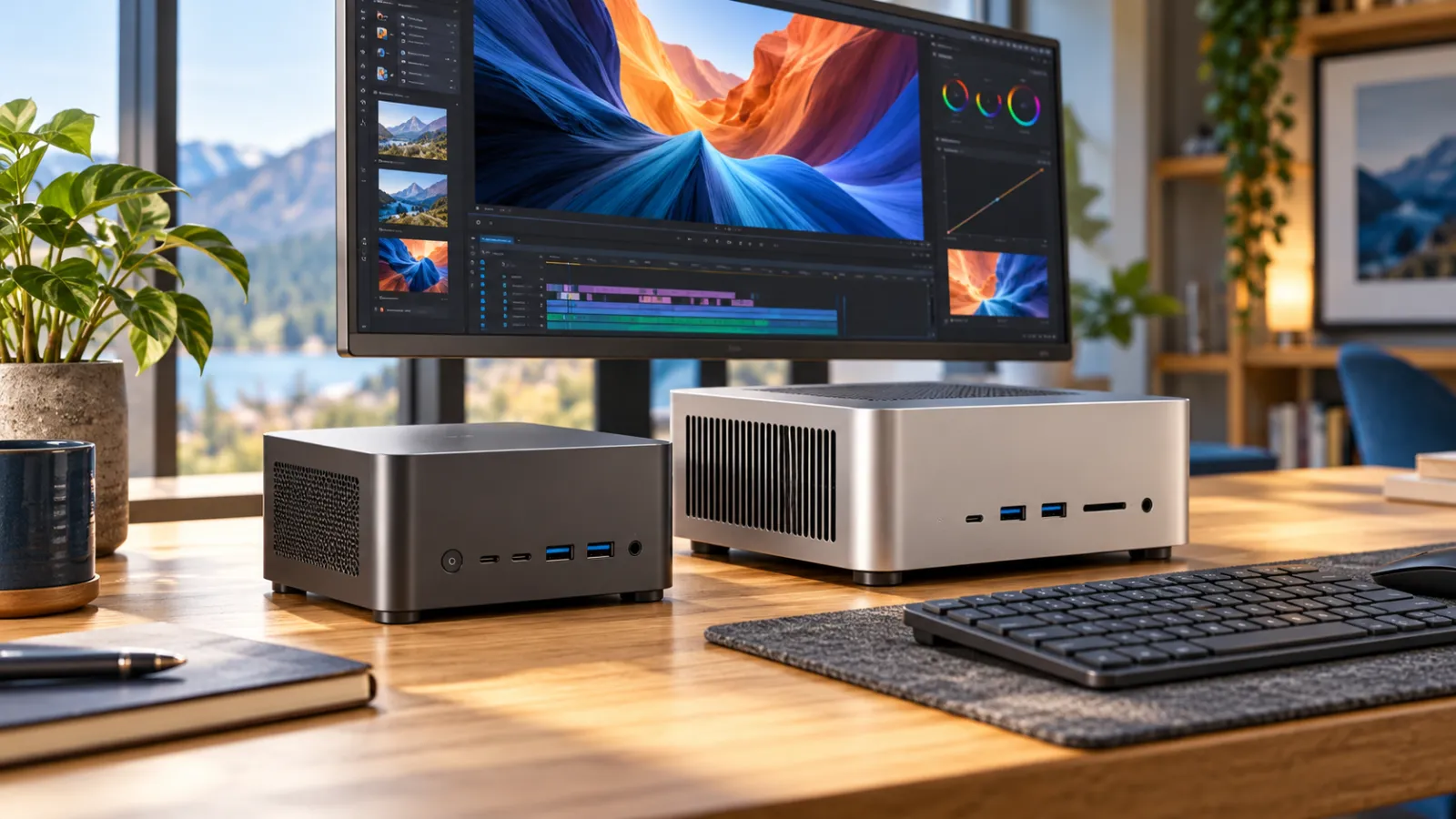
Sources: GMKtec official catalogue, K8 Plus and EVO-X2 product listings, checked October 20, 2026. Prices, configurations, stock and promotions can change. Remaxcode may earn a commission through links on this page. Cover image is an AI-generated editorial illustration, not a photograph of a GMKtec product.