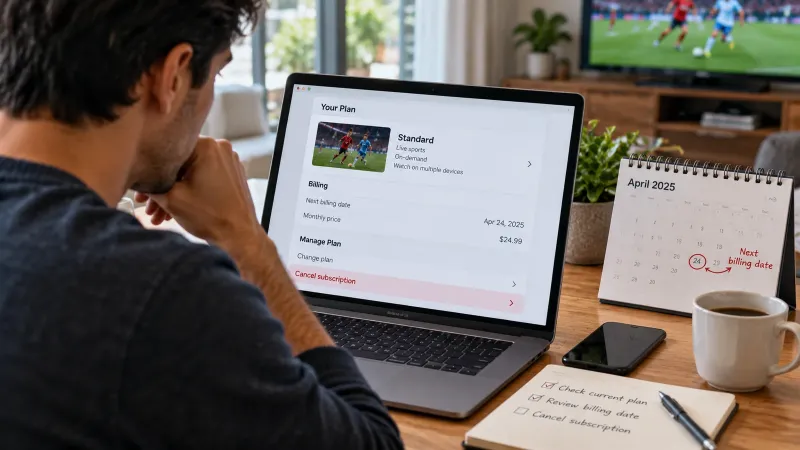
Managing a sports subscription should leave you knowing what you pay for, when it renews and when access ends. Confusion usually begins when a monthly payment is mistaken for a monthly commitment, or when a subscription bought through another provider is managed in the wrong place.
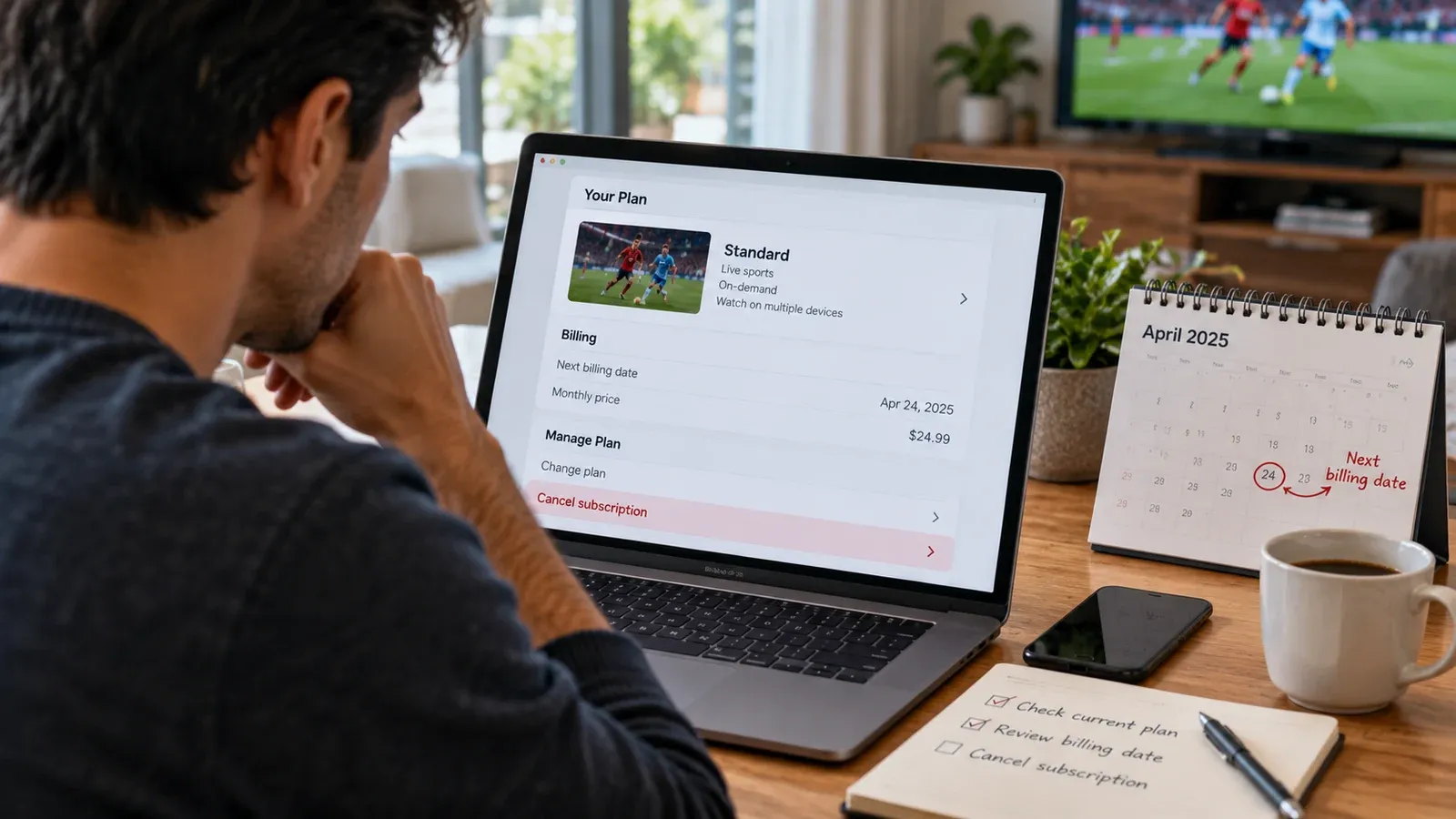
This guide walks through the checks to make before changing a DAZN plan. It describes the official UK help process as an example; your own account and local terms determine the available options.
1. Identify who bills you
Check the order confirmation, account and payment history to establish whether you subscribed directly through DAZN or through a third-party platform. Do not assume that using the DAZN app means DAZN processes the subscription payment.
The official help centre explains that subscriptions purchased through providers such as Apple, Google, Roku or Amazon may need to be managed through that provider. Start with the billing route before looking for a cancellation button.
2. Read the full plan name and term
Open your account’s subscription details and record the plan, start date, next payment date and end or renewal date. Keep a copy for reference. These details are more useful than an old promotional email.
The UK help information distinguishes Monthly Flex from an annual plan paid monthly. The latter carries a longer commitment even though charges arrive each month. If you want to stop spending, understanding that distinction is essential.
Do not cancel a payment method as a substitute for following the subscription process. First establish what the current agreement requires and use the relevant account or provider controls.
3. Check what you want to keep
List the events or passes you still intend to use and whether they belong to the base subscription or a separate add-on. A decision about one product may not automatically manage every subscription associated with the account.
If you are changing plans rather than leaving entirely, compare the full new commitment and renewal terms. A retention offer should be assessed as a new purchasing decision, not accepted solely because the first amount looks smaller.
4. Follow the correct cancellation route
For a directly billed UK account, the official guidance routes users through the profile, My Account and Subscription area, then the cancellation flow. Read the screens and any displayed consequences before completing your chosen action.
If billed through a third party, use that provider’s subscription management process. A button being absent in DAZN can reflect the billing arrangement rather than a reason to create a new account or stop a card payment.
The interface can change. If the route shown in your account differs, use the current official help and support information rather than follow an old screenshot without checking.
5. Confirm the effective date
The UK guidance says Monthly Flex has a 30-day cancellation period. Annual plans paid monthly generally continue through the contracted term, with cancellation stopping a subsequent renewal. Your account should show the relevant date.
Read the confirmation carefully and retain it. Check whether access continues and whether a final pro-rated or remaining contractual payment is expected. A charge after submitting a request is not enough by itself to establish whether the request failed.
If the displayed dates do not make sense, contact the appropriate billing provider with the plan details and confirmation. Avoid sending full card details or passwords in ordinary messages.
6. Review payment history after the change
Use the account’s payment-history area to compare the last charge with the confirmed end date and applicable notice period. Keep the records together so any support question is clear and specific.
For an illustration, a cancellation request made halfway through a notice-based cycle may not mean access and charges end that same day. This is an explanation of the concept, not a calculation for your account. The actual dates and amount must come from your subscription details.
7. Decide what makes sense next season
Before resubscribing, build a short viewing calendar and compare the minimum term with the events you will realistically watch. This makes it less likely that the next promotion creates the same uncertainty.
A successful cancellation or plan review leaves you with a clear end date, payment expectation and saved confirmation. The improvement is control over the subscription, not merely removing an app from a device.
Current DAZN offers and purchase checks
Compare the latest DAZN coupons and offers on Remaxcode after choosing the product or service that fits your needs. The five listings below may include shopping routes or purchase benefits as well as discounts; compare the final basket rather than adding their headline savings together.
Coupon codes, deals and availability can change or expire at the store's discretion. Eligibility depends on the purchase date and current merchant terms. Explore the linked Remaxcode store page for the latest alternatives.
Sources and disclosure: DAZN official UK cancellation, plan and billing help pages, checked 27 October 2026. Editorial assessment of published information, not a hands-on product or service test. Remaxcode may earn commission from qualifying purchases. The cover is an editorial illustration.

DAZN
Discover New Arrivals at DAZN
Check out the latest additions to the DAZN range before they sell out.
DAZN
Shop DAZN Best Sellers
See the products DAZN customers buy most and find a proven favourite.
DAZN
Join the DAZN Newsletter for Exclusive Offers
Sign up for DAZN emails to hear about new promotions, launches and subscriber-only offers first.
DAZN
Shop the DAZN Sale
Browse discounted items in the DAZN sale section. Prices and stock change often, so check back regularly.