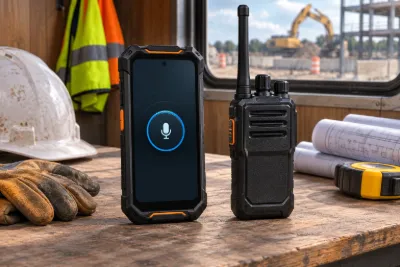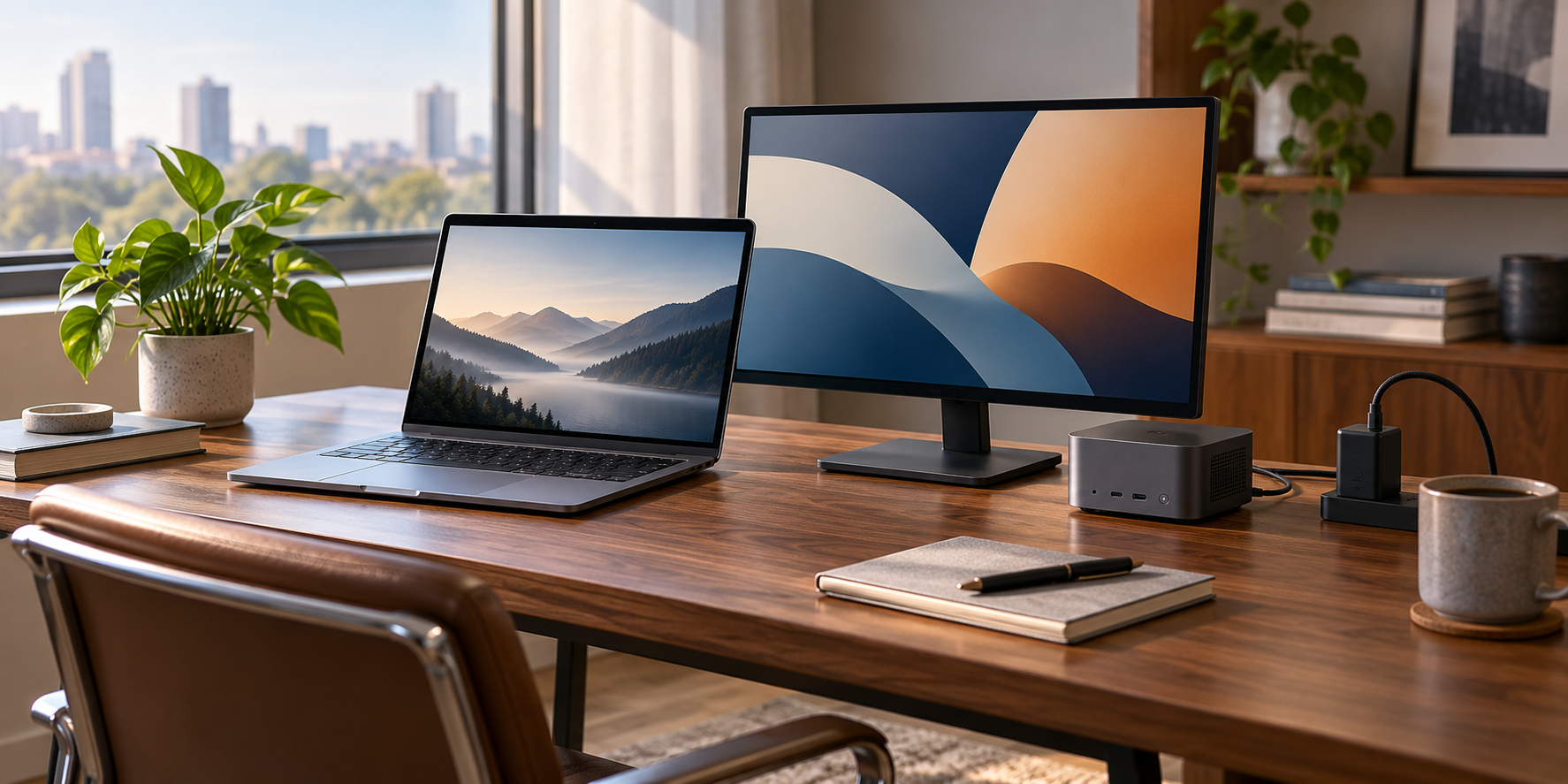
A compact desk becomes easier to use when each device solves a specific problem. It becomes more cluttered when a sale persuades you to buy a monitor, computer and charger before deciding what is actually missing. Baseus, Mobile Pixels and GMKtec occupy different parts of that decision, so comparing them as interchangeable upgrades would miss the point.
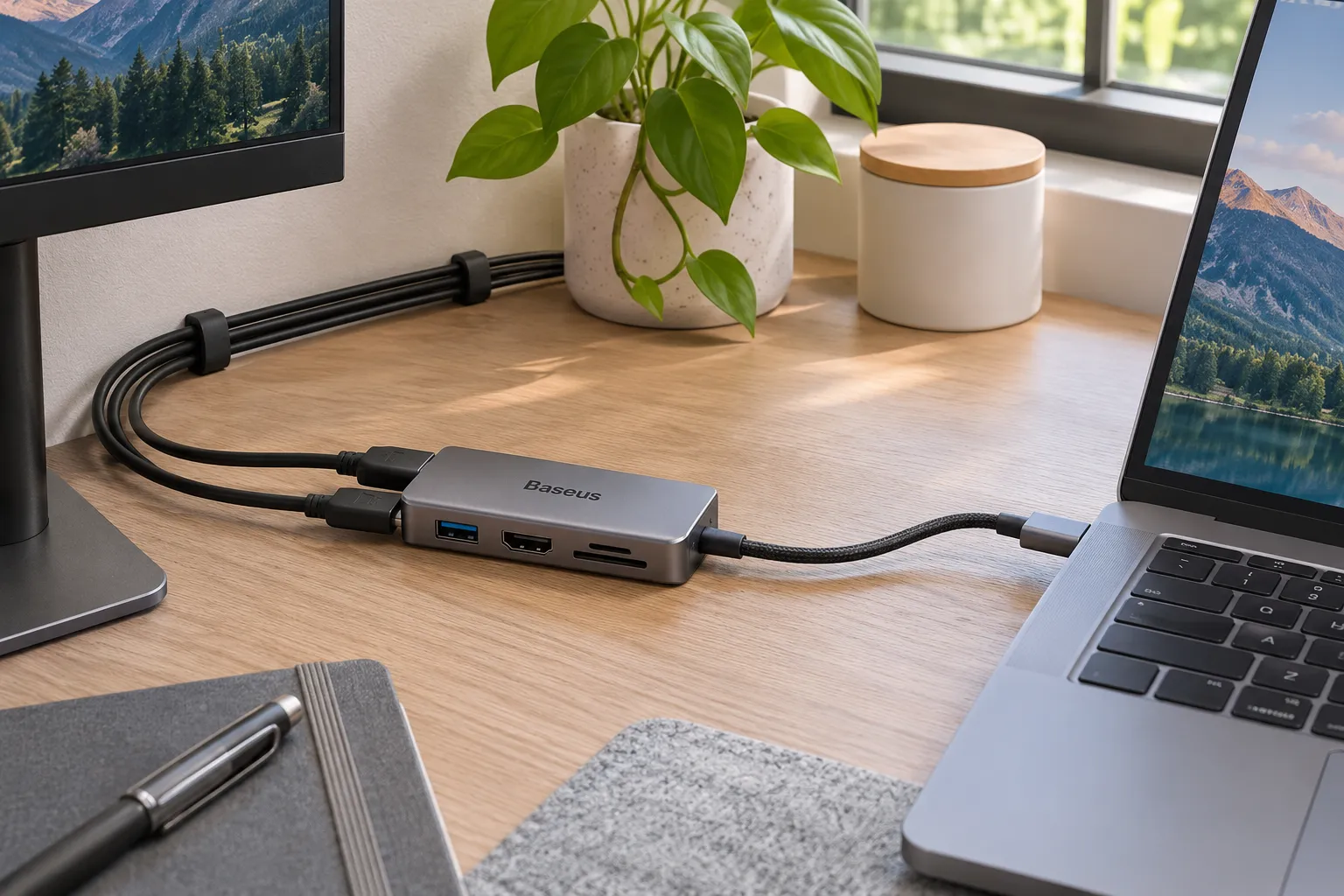
This guide looks at the role of each store in a small workspace: charging and accessories, additional screen space, and a compact computer. It is based on their official catalogues, not measured performance testing. The aim is to help you make a compatible shortlist and spend on the part of the setup that matters.
First, identify the bottleneck
Think about the last three times your setup interrupted your work. Were you constantly switching between a spreadsheet and a browser? Was your battery running down because the charger was unsuitable? Was the computer struggling with your usual applications? Those are different problems with different possible solutions.
Write down the interruption rather than a product name. “I need to see reference material while editing” is more useful than “I need another gadget.” It also gives you a way to assess the purchase after it arrives. If the problem is an uncomfortable chair or unreliable internet connection, none of these three shopping categories should automatically take priority.
Baseus: check the charging path
Baseus is relevant when you need charging equipment or related accessories. The practical question is not simply the largest wattage printed on a listing. Check the input your device accepts, the charger output for the port you plan to use, and the cable's supported specification.
For a multi-port charger, read the power allocation with several devices connected. A headline total does not mean each port supplies that total at the same time. If you want to charge a laptop and phone together, look for the manufacturer's configuration details rather than assuming the single-device figure will remain unchanged.
Also check the plug version and input-voltage information for your destination. A neat travel charger can be useful, but it does not replace the need to confirm compatibility. Keep the appropriate original charger if your device manufacturer requires it or if you have not established that an alternative meets the relevant requirements.
Mobile Pixels: decide where another screen will live
Mobile Pixels' official range centres on additional display options, including laptop-oriented screen products. Extra screen space may help when you regularly compare documents, keep reference material visible or move between locations. It is less compelling if your work already fits comfortably on one screen.
Before selecting a model, check its connection requirements and your laptop's actual ports. The shape of a USB-C socket alone does not establish every supported display function. Read the model's compatibility instructions, required cables, power needs and any software requirements.
Think about the physical arrangement as carefully as the display specification. Measure your desk, consider where the screen will be supported and check the carrying weight if you travel with it. A portable setup should still leave enough space for comfortable typing and the other items you use every day.
If colour-critical work is part of your routine, inspect the exact model's published display specifications and consider independent measurements before relying on it. We have not measured brightness, colour accuracy or viewing angles. A product photograph is not evidence of those qualities.
GMKtec: a mini PC is a separate computer decision
GMKtec is the option to investigate when you want a compact computer, rather than an accessory for the laptop you already own. Size may make a mini PC attractive for a permanent small desk, but the enclosure does not tell you whether a particular configuration suits your applications.
Compare the exact processor, memory, storage and operating-system inclusion for the model being sold. Check whether the listing is a complete system or requires additional components. Two products with similar photographs can have significantly different configurations and therefore different total costs.
List the applications and peripherals you need, then verify their requirements. Count the display connections and other ports you will use simultaneously. If gaming, video editing or another demanding workload matters, seek relevant model-specific benchmarks. We are not claiming that a small computer automatically matches a larger desktop for sustained performance.
Compare total setup cost
The useful price includes any required cable, adapter, monitor, keyboard, mouse or other missing component. A mini PC purchase should be compared as a working setup, not just a box. An extra display should include its necessary connection and support arrangement. A charger should include an appropriate cable if one is not supplied.
Use the same destination and currency when comparing delivered totals. Read the seller's current warranty, return process and return-shipping responsibility for your region. Promotional savings are secondary to whether the equipment works together and whether a return would be practical.
A sensible upgrade order
If your computer handles your workload adequately, solve a verified charging or screen-space issue before replacing it. If the computer is the limitation, assess the full replacement configuration first so that accessory purchases remain compatible. There is no need to buy all three categories together.
Browse Baseus offers, Mobile Pixels offers and GMKtec offers on Remaxcode after you have a shortlist. Confirm each promotion's eligible products and final checkout total. We have not redeemed the available codes or independently tested these devices.
The best compact workspace is one you can use without repeatedly noticing its limitations. Choose the smallest number of compatible changes that addresses your real interruption, and leave room in both the budget and on the desk for the next decision.
Official sources: Baseus, Mobile Pixels and GMKtec, reviewed 15 October 2026. Model specifications and promotions vary.
Remaxcode may earn commission from qualifying affiliate purchases. The cover is an AI-generated illustration of generic equipment, not a photograph of these brands' products.
More offers to compare
Choose an eligible offer for your planned purchase. Check the terms and final price before checkout.

Baseus
Up to 50% Off
Save up to 50% on Baseus chargers, power banks and more.

Mobile Pixels
10% Off When You Subscribe
Subscribe to the newsletter and enjoy 10% off.

GMKtec
Free Shipping Worldwide
GMKtec ships free to mainstream countries.